Boys’ Literacy Project Spring 2012
“The Mission is Complete”
The five classrooms that participated in this phase of the Boys’ Literacy Project completed their missions in June. The students incorporated Smart Ideas, Read and Write Gold, media research and iPod technology to produce a variety of projects. Each classroom had their own focus for their mission and final products included book trailers, hero reflections, medieval times research and narratives.
Click on the link below to view a glog highlighting student feedback and links to glogs of the projects completed by the teachers at our final professional learning session.
Cassandra Glogster
West Glen Glogster
Showing posts with label Boys Literacy. Show all posts
Wednesday, June 27, 2012
Thursday, May 24, 2012
Boys Project phase two update: BoyzNLiteracy
BoyzNLiteracy
The second phase of the Boys’ Literacy Project is currently taking place in 5 different ISP classrooms in 4 different schools. Phase Two continues to focus on the goals of increasing student engagement and developing learning skills related to literacy. In addition, another goal was established, to improve students’ planning and organization.
Each teacher, in collaboration with the AT Team, created “A Mission” using Smart Ideas software to guide students through the inquiry process focusing on a specific topic and media format for the final product. Students use iPods, the IWB, Smart Ideas and Read and Write Gold throughout their mission.
Session One
In Session One at Queen Victoria P.S., students were introduced to their inquiry question “How might gender have mattered for knights in medieval times?”. Students brainstormed what they knew about knights and what they needed to know to answer their inquiry question. Students worked collaboratively to record their ideas using the portable keyboard, view ideas on the IWB and use SMART Ideas to organize their information.
![]() |
| Questions about knights using SMART Ideas. |
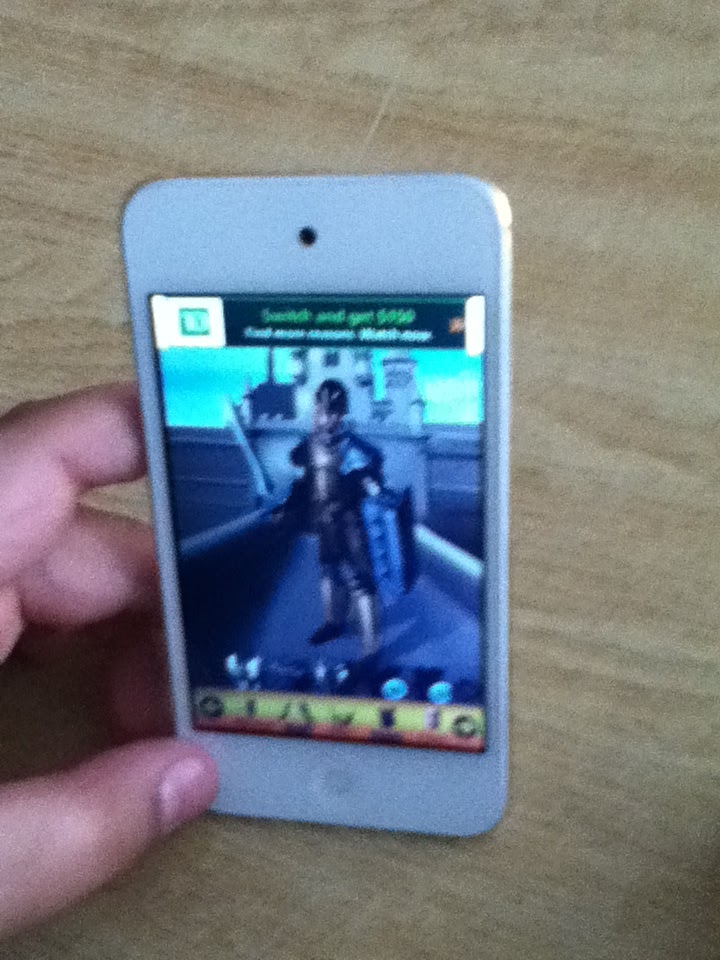
Students then, used the iPods to explore how knights dressed using the app “Make A Knight”. Throughout the mission, students gathered information from a variety of sources: apps, video, images, websites and books.
Assistive Technology Professional Development and training year-round Training sessions continue to be offered once this 2011-2012 school year comes to a close. Parents of students with S.E.A. claims are invited to sign-up for training sessions in the West (Burnhamthorpe C.I.) or East (Terraview L.C.) locations in the month of August. For more information and to find the contact e-mail please download the brochure here: Parent sessions. TDSB staff new to using the Interactive Whiteboard in September also have opportunities for training during the summer. The A.T. team offers sessions both in early July and late August at both the East and West training centres. For more information click on: Interactive Whiteboard Training or use your QR code reader to get the brochure sent out on Direct Line to TDSB staff about how to find sessions on Key to Learn. |
Labels:
Boys Literacy,
lesson ideas,
Professional development,
SMART Ideas,
Special Projects,
training
Wednesday, September 7, 2011
Summer reflection - Boys Literacy page -- using Glogster
Over the summer a reflection was created to illustrate the Boys' Literacy project. It was created using the program Glogster.
Monday, June 20, 2011
Engaging boys in literacy - Forest Hill - session 6: June 6-8 Student feedback
Thursday, June 16, 2011
Engaging boys in literacy - Forest Hill - session 6: June 6-8
Session Six – June 6th – 8th
Session Six focused on student presentations of the culminating projects. The students communicated their ideas in a variety of ways using audio texts created with Read and Write Gold or their own voices, video podcasts, graphic texts, visuals and written text. Students combined all of their texts into presentation software of their choice. Students chose Notebook, iMovie or a student created Website to present their culminating assignments. Following each presentation, students evaluated their peers’ projects focusing on the criteria in the student generated rubric.
Student Comments: It was a good learning experience and it was fun. We got to learn about many computer programs.
It was very good to learn about multiple computer programs for further work.
Using the iPod Touch: Communicating Information with Video
Bitstrips and Notebook: Communicating Information with Graphic and Audio Text
Student Project Created with iMovie
Wednesday, June 8, 2011
Engaging Boys in Literacy using AT and Media - Fisherville P.S. planning
Here students are exploring the criteria for: "What makes a person famous?" and "Which elements are required to create an effective presentation?".
Engaging Boys in Literacy using AT and Media - Fisherville organize slideshow
A variety of presentation formats were chosen by students.
Here is a sample of students using their research to organize presentations using one of the following software: bitstripsforschools, Power Point, and ActivInspire software (flipcharts).
Monday, June 6, 2011
Engaging boys in literacy - Forest Hill - Session 1 Student samples
Here are two sample podcasts students created using the Story Robe app.
Pierre Trudeau
John McCrae
Wednesday, June 1, 2011
Monday, May 30, 2011
Engaging boys in literacy - Forest Hill, Session 5
Session Five – May 30th – May 31st
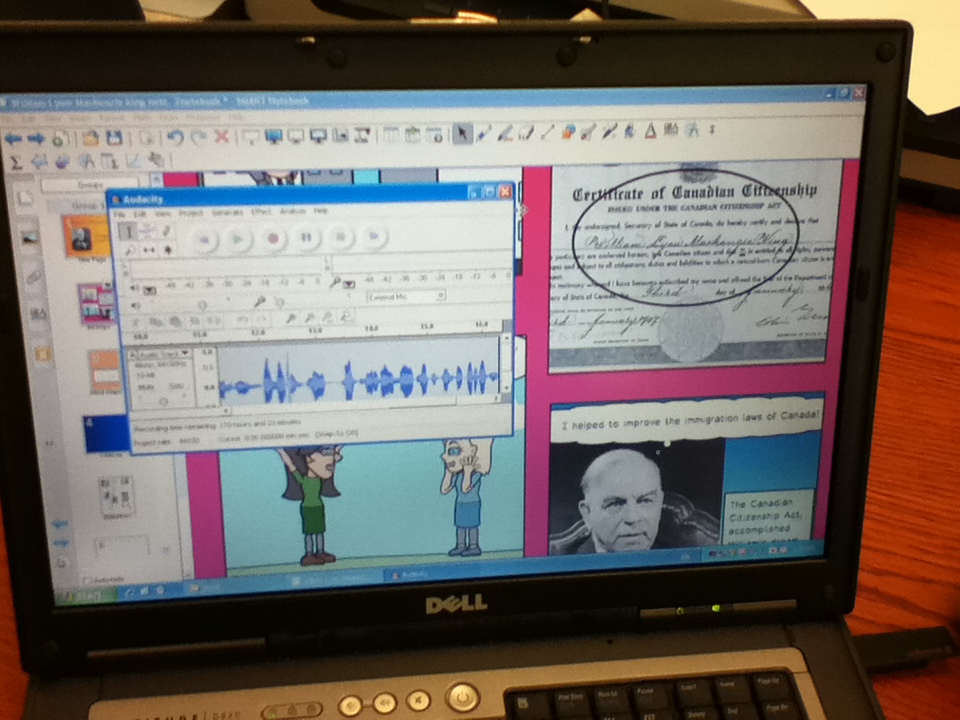
During Session Five, the students have continued with their culminating projects. As they have been challenged to include more than one type of media format, they are making decisions about how to effectively organize their presentation (e.g., insert Bitstrips image into a Notebook file, add mp3 voice recordings). Referring students to the student created rubric helped them to critically analyze and evaluate their own projects. This week, a number of students have combined different assistive technology programs such as Audacity, Read and Write Gold, iMovie and Notebook to communicate their ideas.
Itinerant Observation: It is exciting to see students combining some of their own technology skills (e.g., with website creation or Comic Life) with the assistive technology we have explored.
Photos:
|
| ||||
|
|
Labels:
Boys Literacy,
Organization,
Special Projects
Tuesday, May 24, 2011
Friday, May 20, 2011
Engaging Boys in literacy - Forest Hill P.S. May 16-24 update
Session Four – May 16th – May 24th
In Session Four, the students began their culminating projects. Students had submitted a proposal to their teacher in which they had to persuade their teacher to approve their choice for the project. The projects are differentiated by content (choice of Canadian) and format. A variety of formats have been chosen including graphic texts (Bitstrips, Comic Touch), video (iMovie, Windows Movie Maker), Smart Notebook Multimedia Presentation and audio podcast. Many students have chosen to incorporate more than one type of media into their final project. Students continue to use assistive technology such as Read and Write Gold for note taking and to create audio podcasts, Notebook software to communicate using written work and visuals, as well as the iPod to communicate orally and with visuals.
Itinerant Observation: “Using Read and Write Gold has enabled the students to see whether they have enough information for each of the 4 content areas (early life, achievements, impact, additional information) specified in the rubric.”
![]() |
| Famous Canadian Proposal. |
|
| ||||
|
| ||||
| Format and choice: Windows MovieMaker | |||||
Research notes using Read and Write Gold (above)
Labels:
Boys Literacy,
Read and Write Gold,
RWG,
Special Projects
Engaging Boys in literacy - Forest Hill P.S. May 12-13 update
Session Three – May 12th – May 13th
Itinerant Observation: “The students provided a lot of meaningful input when evaluating the student sample, which we will reference when helping the students evaluate their own work.”
The goal of Session Three was to prepare the students for the culminating project and how they would be assessed. Students used the Smart Response System to provide feedback about a student created project they viewed. Most students in all 4 classes assessed the project at Level Three. Student suggestions to move the project from Level Three to Level Four included adding unique and unknown information, using less repetition, including a personal opinion or point of view, using speech bubbles as well as captions to communicate information, including evidence and using the media in an engaging way (e.g., real voice for the audio, link to a video). Students, then, brainstormed and contributed to a rubric to assess their culminating projects. Student work was shared using the document camera and the Smart Board.
Encouraging Student Feedback Using the Response Systems
![]() | |
| Reviewing response System results | the Document Camera |
Itinerant Observation: “The students provided a lot of meaningful input when evaluating the student sample, which we will reference when helping the students evaluate their own work.”
Labels:
Boys Literacy,
response systems,
Special Projects
Monday, May 9, 2011
Forest Hill - Engaging Boys in Literacy - session 2: May 5-9
Session Two – May 5th – May 9th
Session two focused on exposing students to other media formats that could be used to communicate their information. They evaluated the effectiveness of a graphic text (e.g., comic created using bitstrips) and then had the opportunity to create their own graphic texts. Assistive technology used this week included the iPod (Comic Touch Lite and iMovie) and the IWB. Students continued to refer to their research notes created using Read and Write Gold when producing their media work.
Teacher Quote: “It is important for the students to learn about the different types of technology available to them so that they can use it when they are in secondary school.
A Canadian moment using Bitstripsforschools.com - Java programming language creator James Gosling. |
The above video about James Cameron was created by a student using the Comic Touch app. |
Labels:
Boys Literacy,
communication,
Special Projects
Wednesday, May 4, 2011
Monday, May 2, 2011
Fisherville - Engaging Boys using AT and Media -Select and Edit
In this stage the students uses an iPod to put his project together. He uses his research notes to narrate and record his voice onto a photo slideshow about his Famous Canadian.
Engaging boys in literacy - Forest Hill - April 25-May 2
Unit Theme: Famous Canadians throughout the Ages
Guiding Questions:
Who is the most famous Canadian throughout the ages?
What parts of the media text did you find effective?
Ms. D - Grade 7 Gifted (two classes)
Ms. N. - Grade 8 Core (two classes)
Session One – April 25th – May 2nd
Session one focused on exploring the concept of “What makes a person famous?” by viewing two teacher created Spotlight presentations about Rick Hansen and Alexander Graham Bell. Students also evaluated the effectiveness of each media text. Following the Spotlight discussions, students had the opportunity to create their own media texts (video podcast, Notebook presentation) based on a famous Canadian of their choice. Assistive technology used this week included the iPod (Storyrobe, Simple MindX, Video Podcast), Notebook software, the Interactive White Board (IWB) and Read and Write Gold for research purposes.
How the app Simple MindX works to help students brainstorm and organize their thinking using this concept software. | |
Creating a narrative using the Story Robe app. Students can organize and sequence their projects. |
Please click here to visit some student sample podcasts using Story Robe.
Labels:
Boys Literacy,
iPod,
lesson ideas,
Simple MindX,
Special Projects
Friday, April 29, 2011
Subscribe to:
Posts (Atom)